Classes

A class consists of a virtual group of students. It allows us to group students based on a common characteristic. One of its main uses is that it allows us to easily filter large groups of students.
We access the class list from the sidebar menu, under “Classes,” section “Administration.”
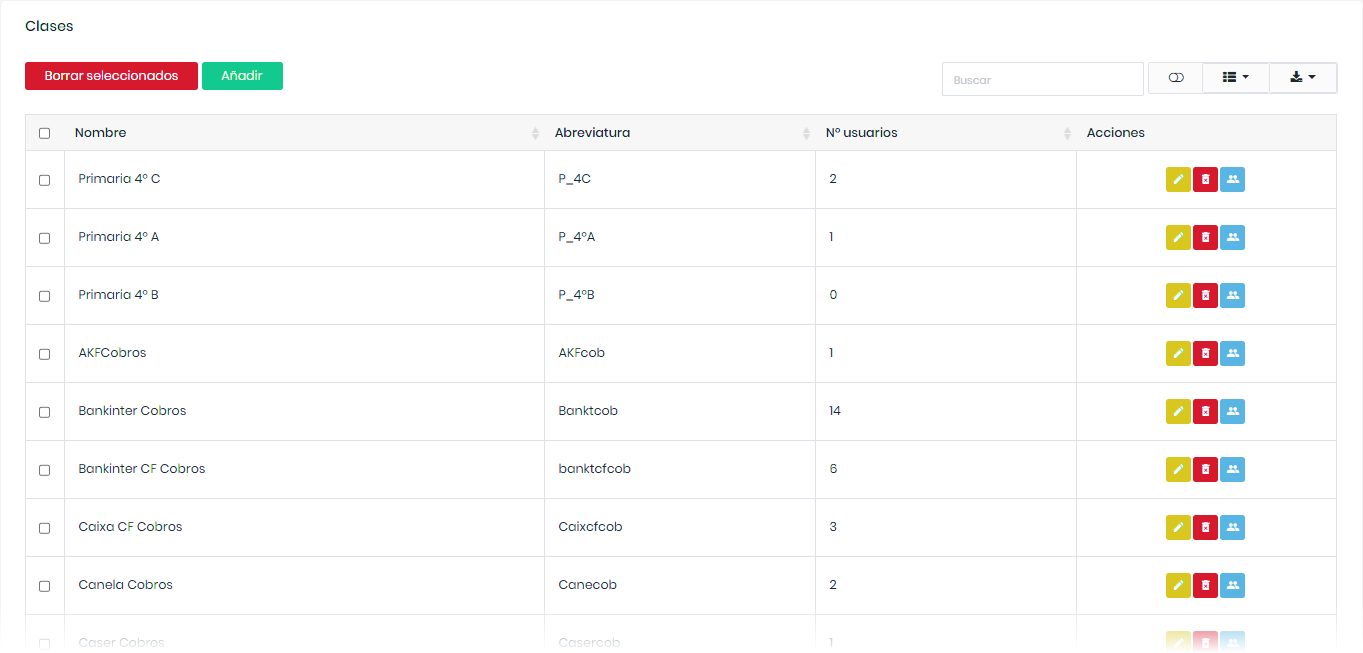
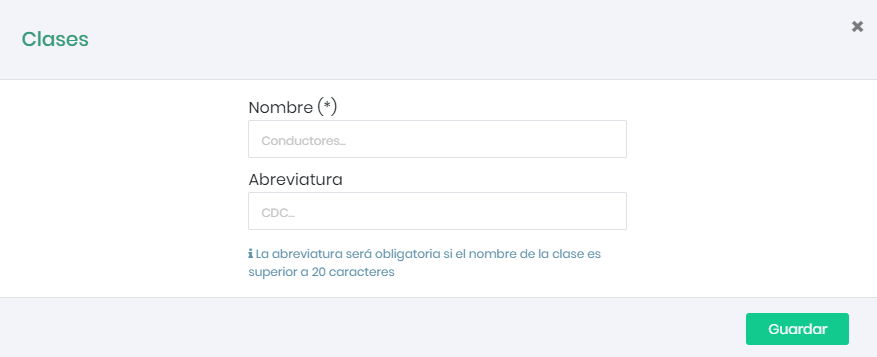
To create a class, simply click on “Add,” choose how you want to name the class (e.g., Administration, Maintenance…) and its abbreviation, then click the “Accept” button.
In the table view, we can find a series of icons that perform the following actions.