Training Actions

These are the same actions created on the FUNDAE website when you want to register subsidized training. These actions are linked to the courses.
How to Register a Training Action
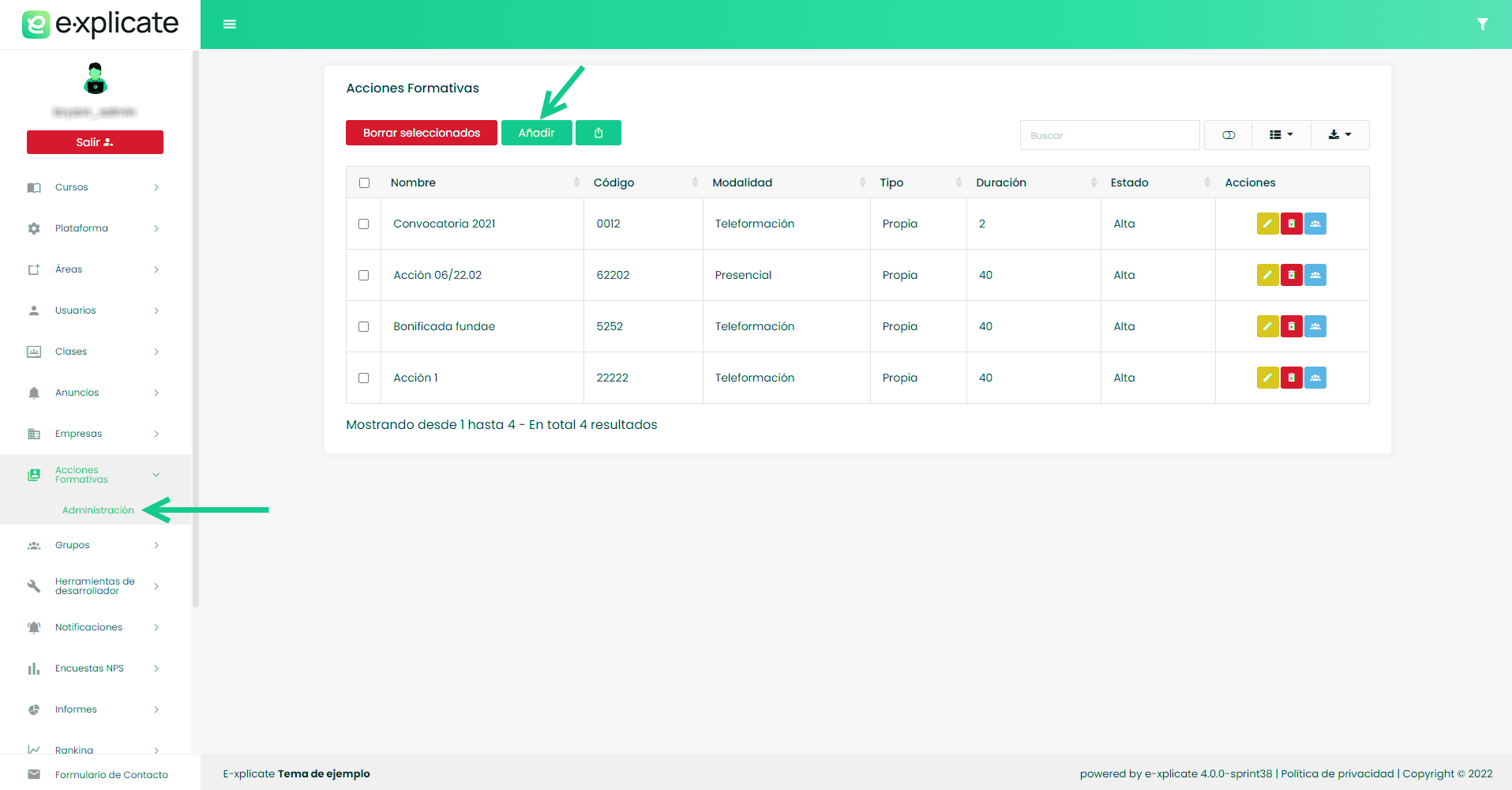
To register a training action, do so from the sidebar menu.
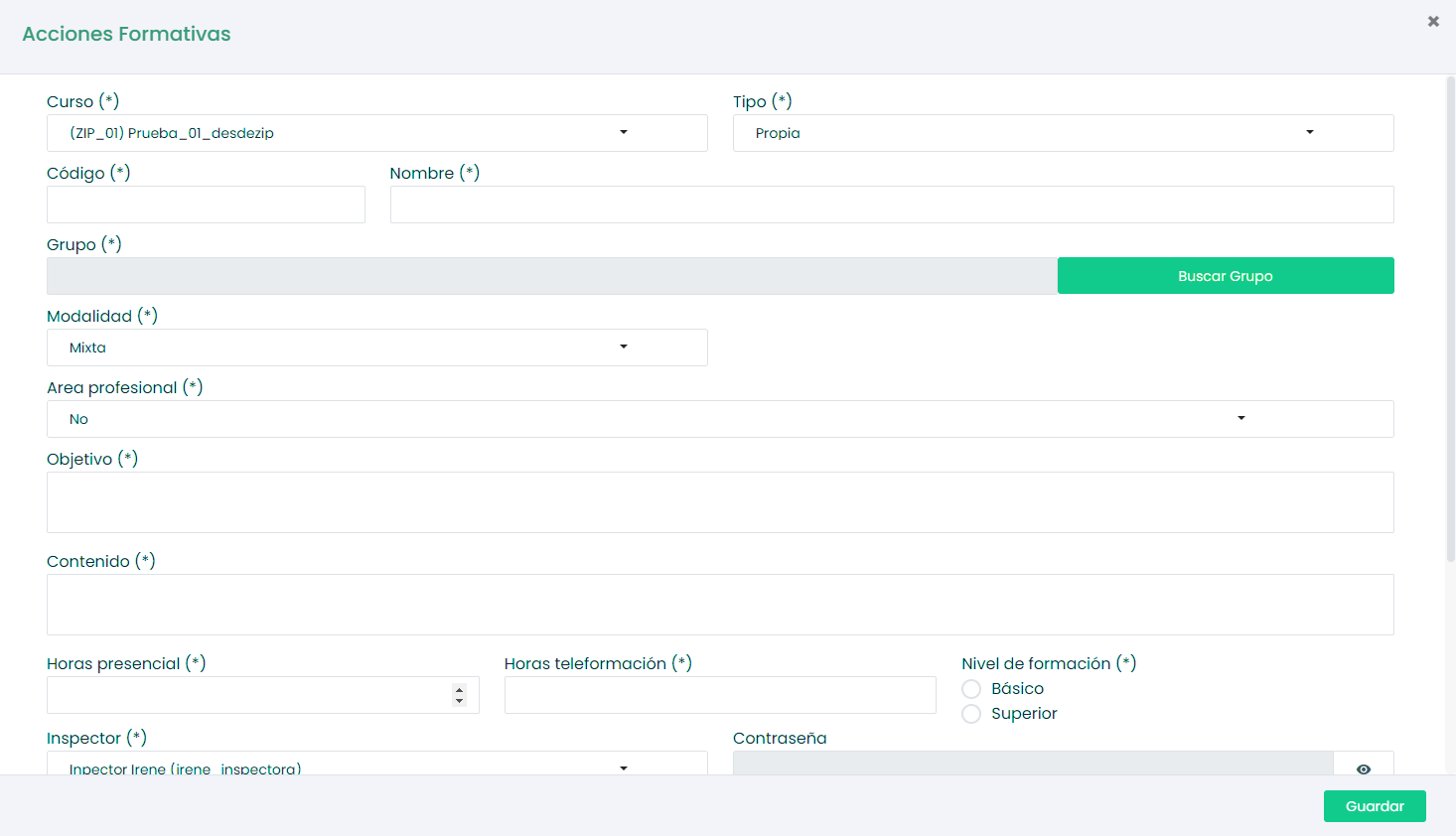
Fill out the form with the same data provided by FUNDAE when the activity was registered on their portal, and click save.
Once the action is created, it will appear in the table, and we can add the previously created subsidized groups by clicking the “Add groups” button.


To view the details of a group assigned to a training action, click the “View details” button.

We can see information such as the users assigned to the group, data related to the training action, view progress reports of the group users, and even generate and export these reports in CSV and PDF formats.
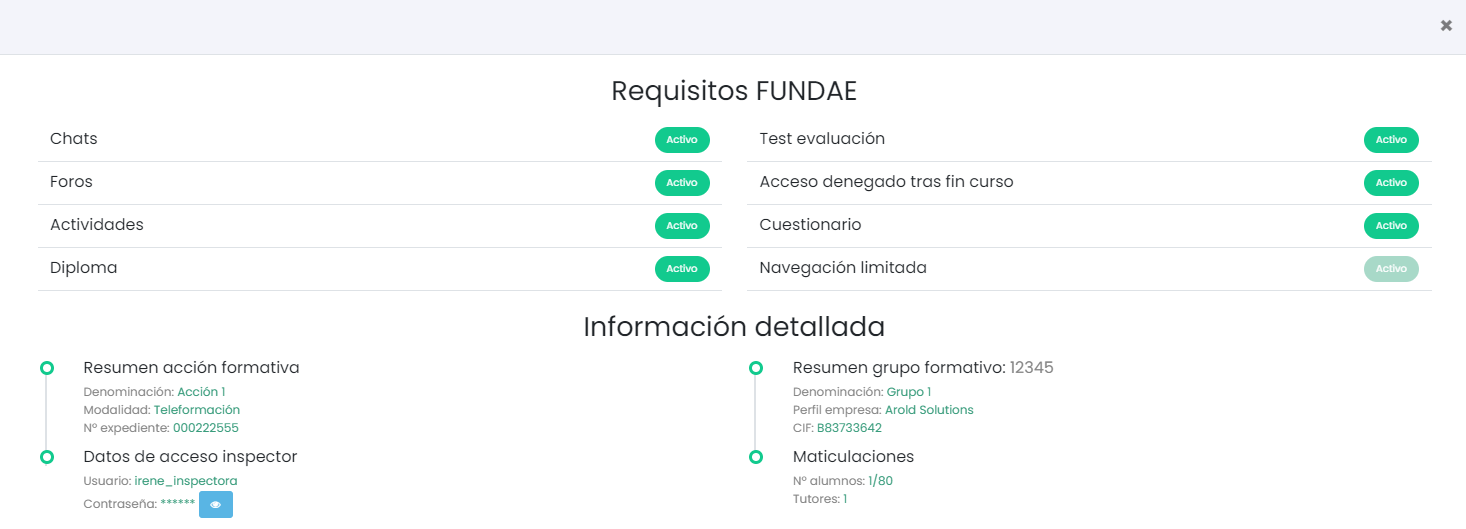
To quickly check that the training action complies with FUNDAE requirements, click the “check” icon.

A screen will appear indicating which elements are in compliance and which are not.