Unenrolling a Student from a Course
To unenroll a user from a course, simply select the user from the enrollment tab of a course and click the unenroll button.
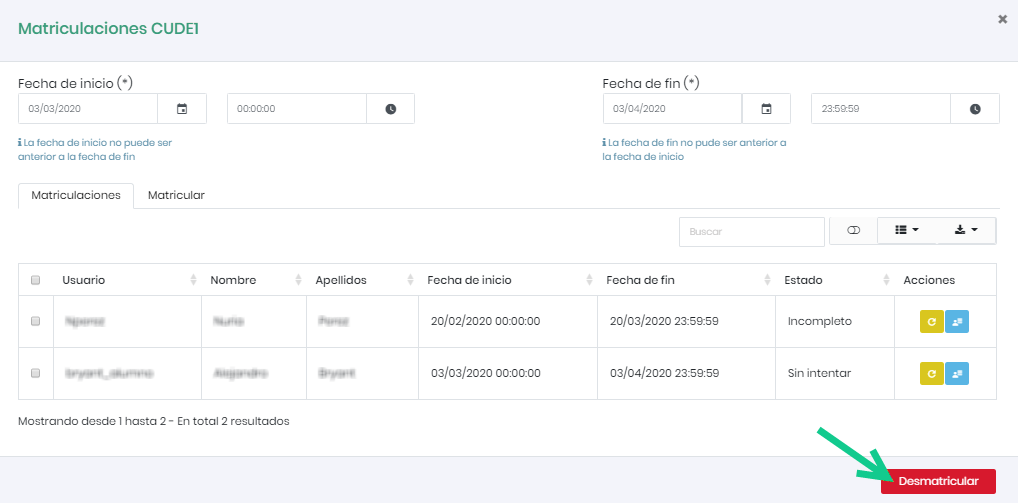
After clicking “Unenroll,” a confirmation message will appear.

To unenroll a user from a course, simply select the user from the enrollment tab of a course and click the unenroll button.
After clicking “Unenroll,” a confirmation message will appear.