Create a Course
To create a course, from the sidebar menu, click on the “Courses” section, then “Administration”.
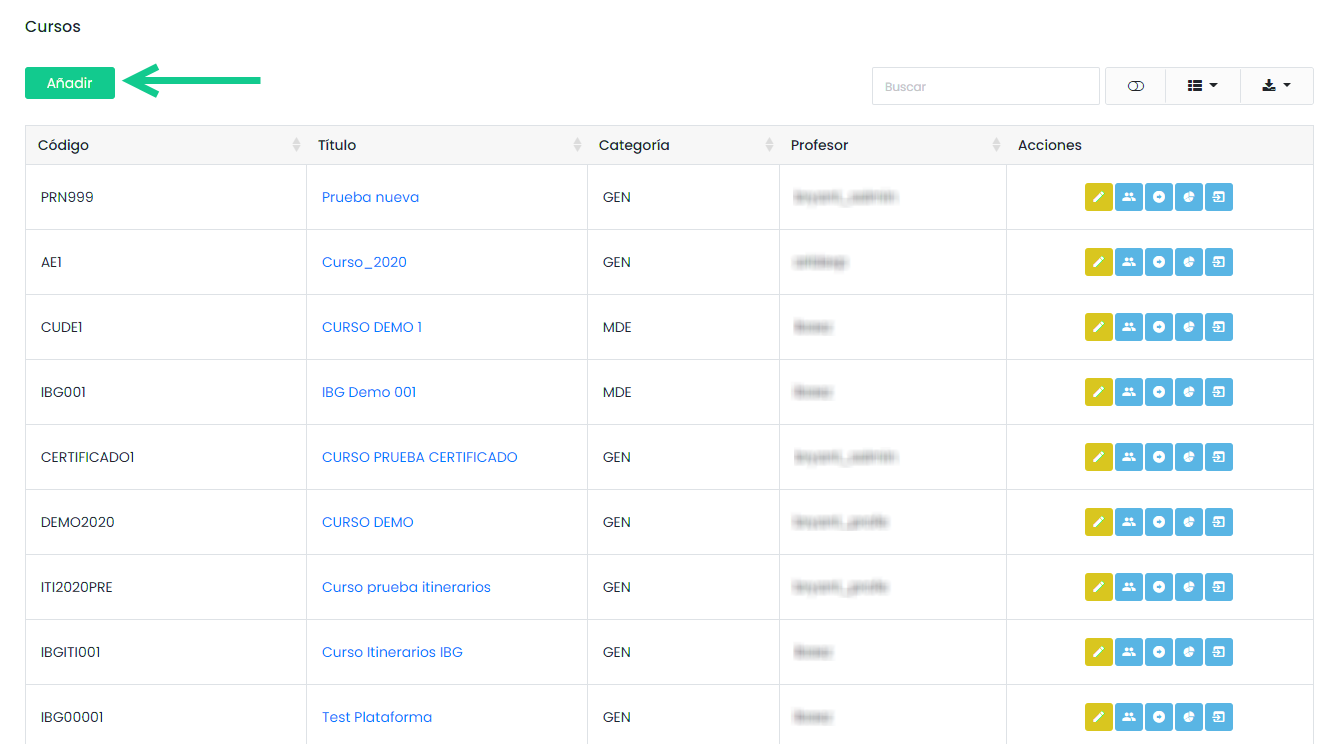
A table will be displayed showing the previously created courses. To create a course, click on “add”.
The following form will be displayed where you need to complete the corresponding fields. Fields marked with (*) are mandatory.
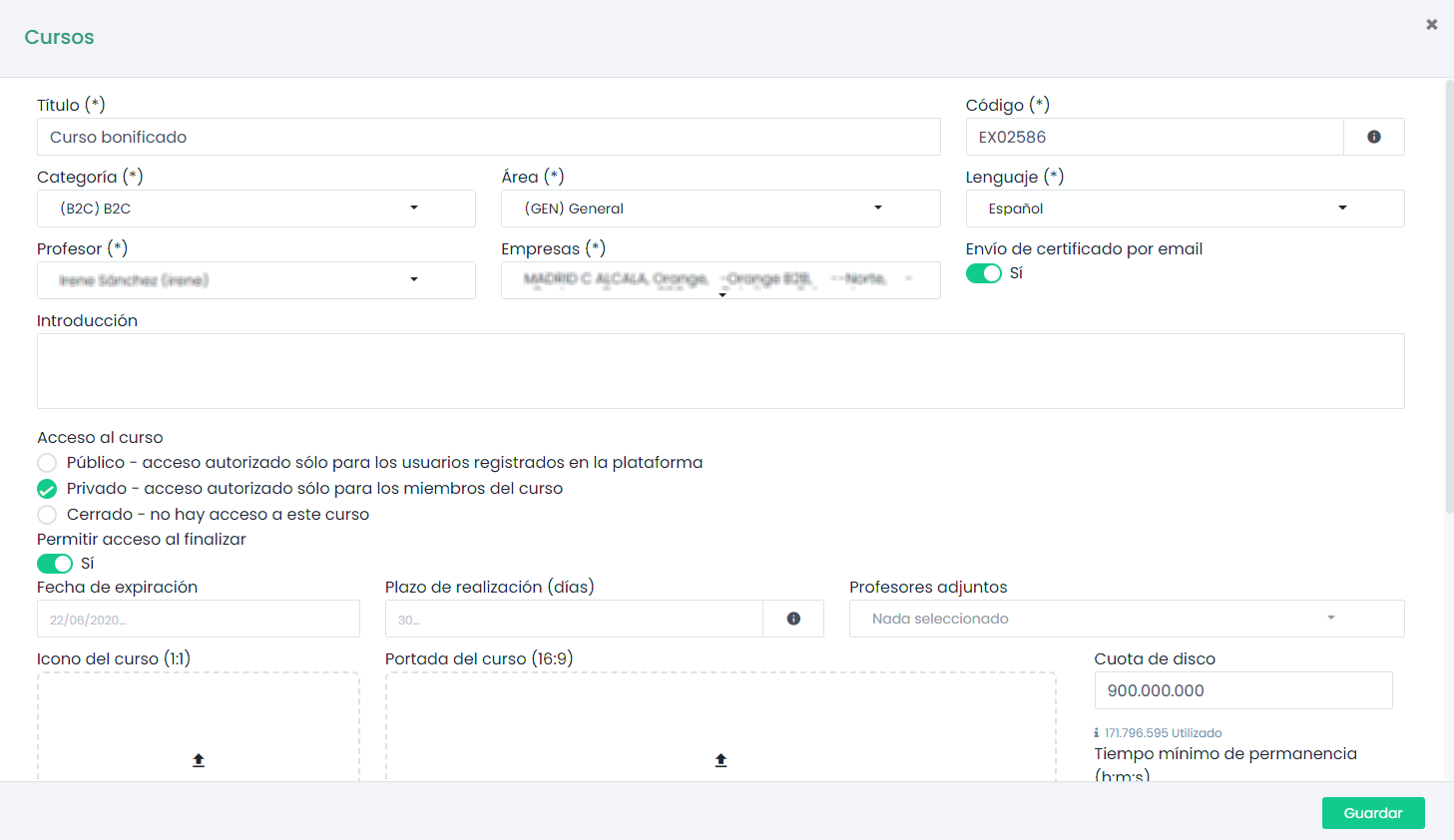
It is important to remember that the “Code” will be the reference that our course will receive and will be very useful for search criteria. It is recommended that it maintains a reference with the course name.
You can select the category or the area to which the course will belong, the language of the menus, the course instructors, and add a brief introduction. This introduction will be displayed in the course description along with the cover. You can set an expiration date as well as a default completion period and a minimum duration of stay in the course. You can also configure the platform to automatically send the certificate to the student (if configured).
Access to the course can be public, private, or closed. If it is public, it will appear in the course catalog and if it is private, only enrolled students can access it. If we choose public, we will manage user self-enrollment with the switches.
Finally, we can choose whether to configure an NPS survey and whether it is mandatory, as well as anonymous or not.
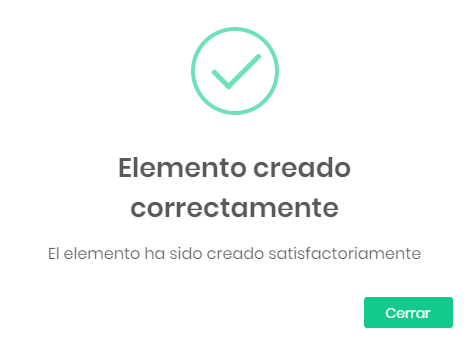
Once configured, click “Save”. The confirmation message will be displayed:
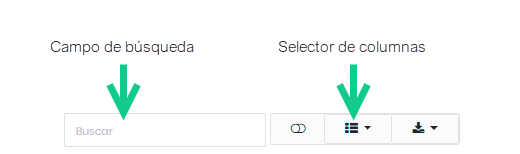
When searching for a course we created earlier, we can simplify the search by filtering the courses using the search bar. We can also choose which columns to display.
Once we have created our course, it’s time to select the tools that will be available and upload the content.
Course Versions
The e-xplícate platform allows you to create different versions of the same course. This functionality gives us the possibility to change the course contents without creating a new course.
This is very useful when updating content as it allows us to modify the course without the need to create a new course title and code.
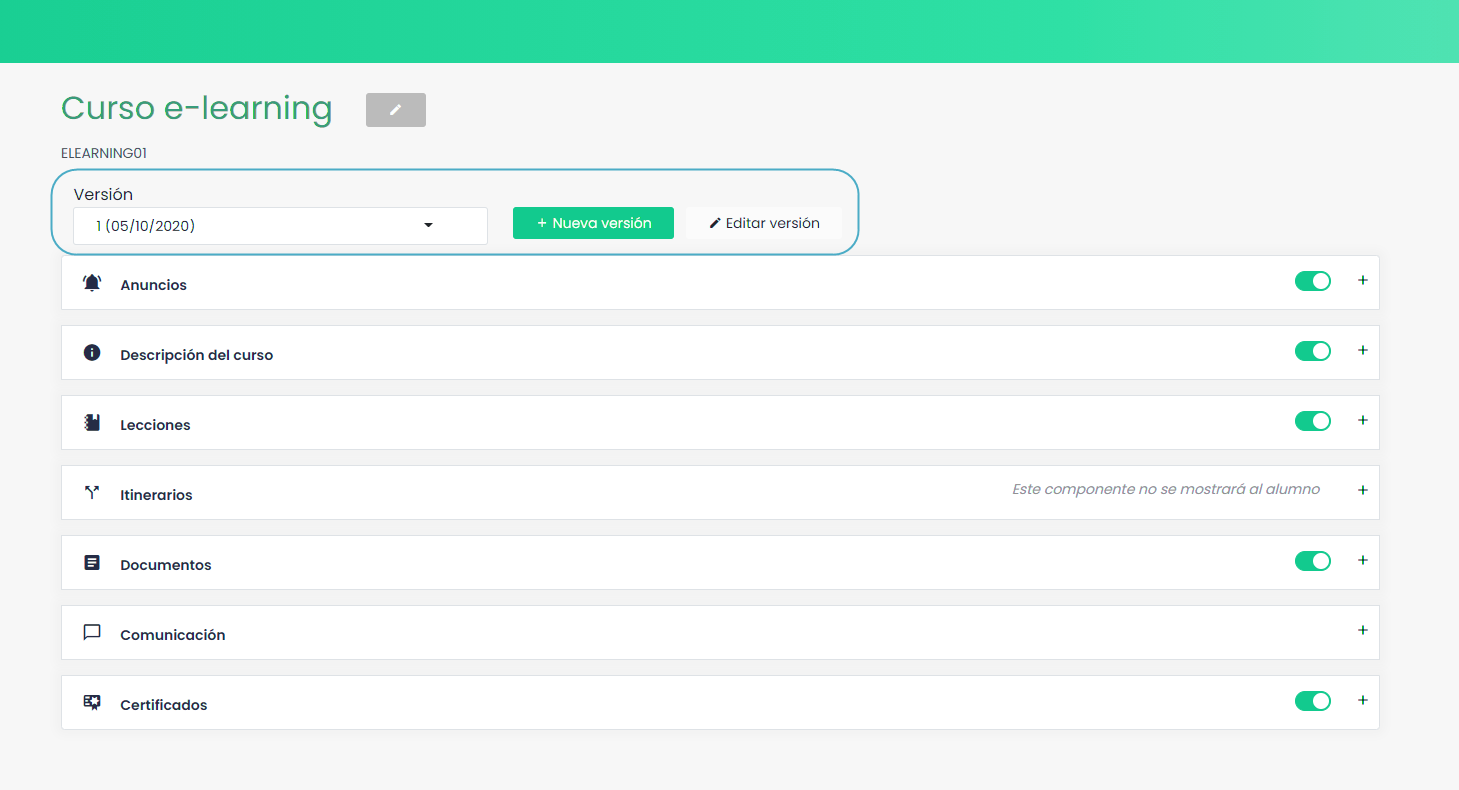
This functionality is also very useful because users enrolled in a version of a course will not see the course content or their progress in reports altered. When enrolling users in the course, they will be enrolled in the latest version, and new versions created will not affect already enrolled users.
To create a new version of a course, simply click “New version”.

First, give it a name and an abbreviation. When creating a new version of a course, the platform will automatically copy the contents from one version to another. If we want to start with an empty course, select the corresponding checkbox.
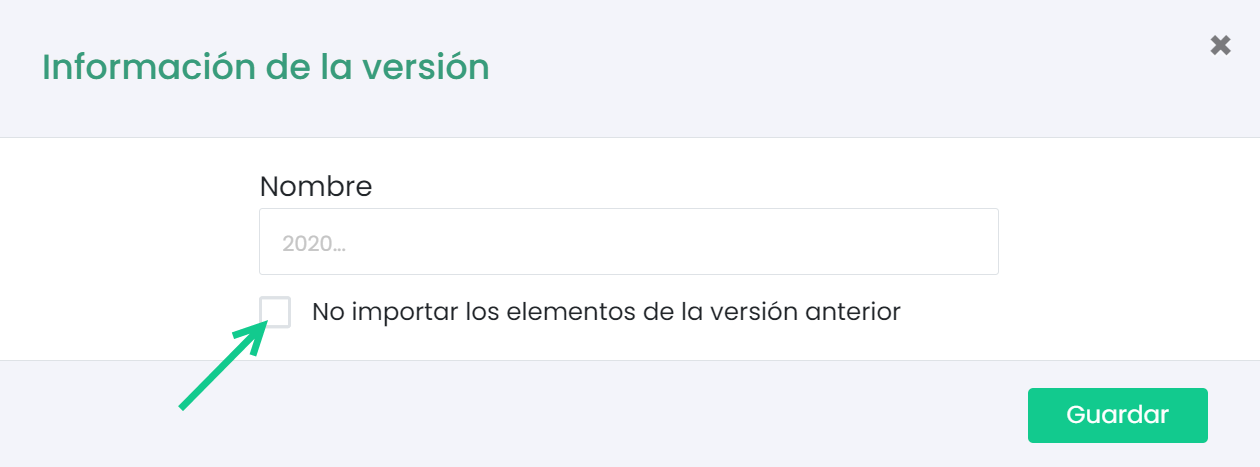
After clicking accept, the new version will be enabled and we can edit and replace the desired components.
Once we have modified the course, to be able to enroll users in the new version, we must publish it first.
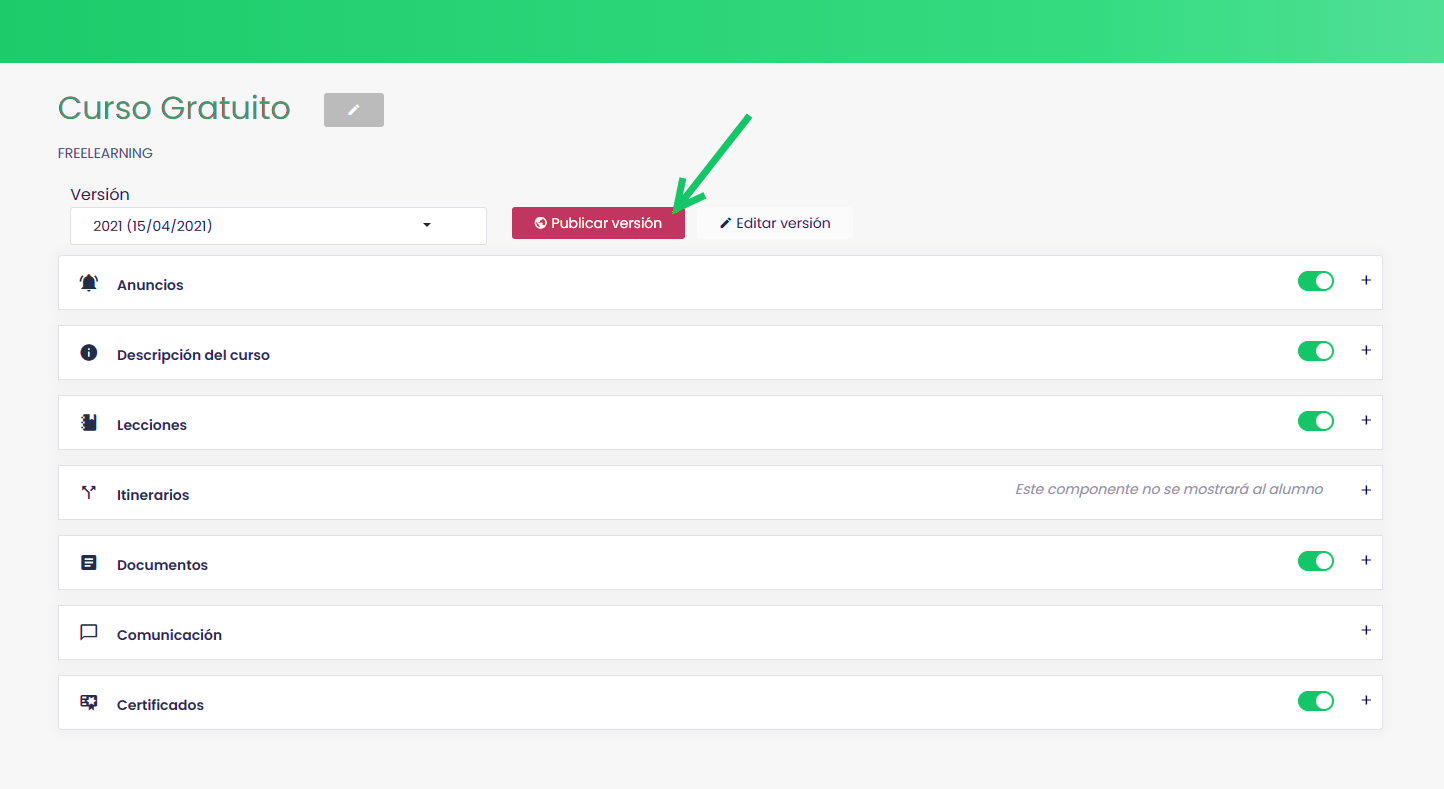
If a user has been enrolled in more than one version of the course, they will be reflected in their reports as independent training under the same course code but a different version.
Course Points
e-xplícate allows configuring a scoring system per course. A fixed score can be assigned, or the score can be proportional to the percentage of the grade obtained in the course.

The points obtained can be consulted from the user administration table by clicking the following button.
 The student’s point history will be displayed.
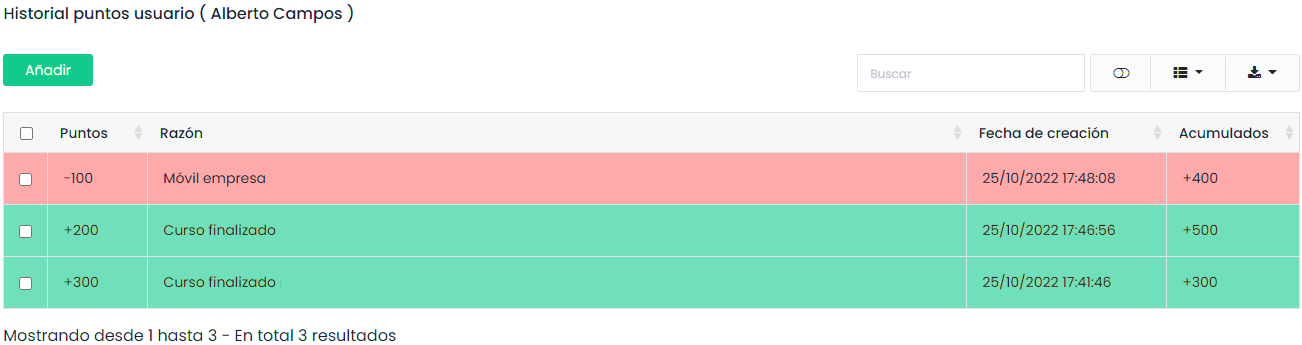
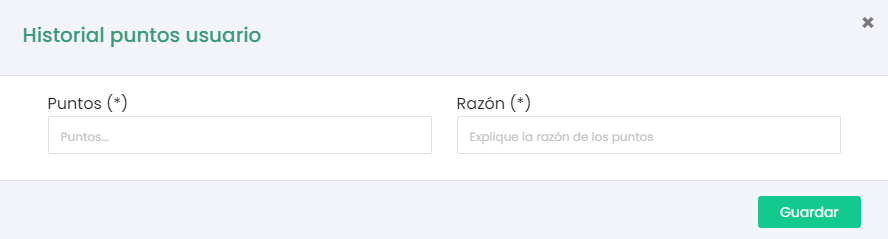
When consulting a user’s points table, we can assign or redeem more points according to the teacher’s criteria. To redeem points, we assign a negative score.