
Administration
If we access from the “Companies > Administration” section, a table with the companies on the platform that we have permission to view will be displayed.
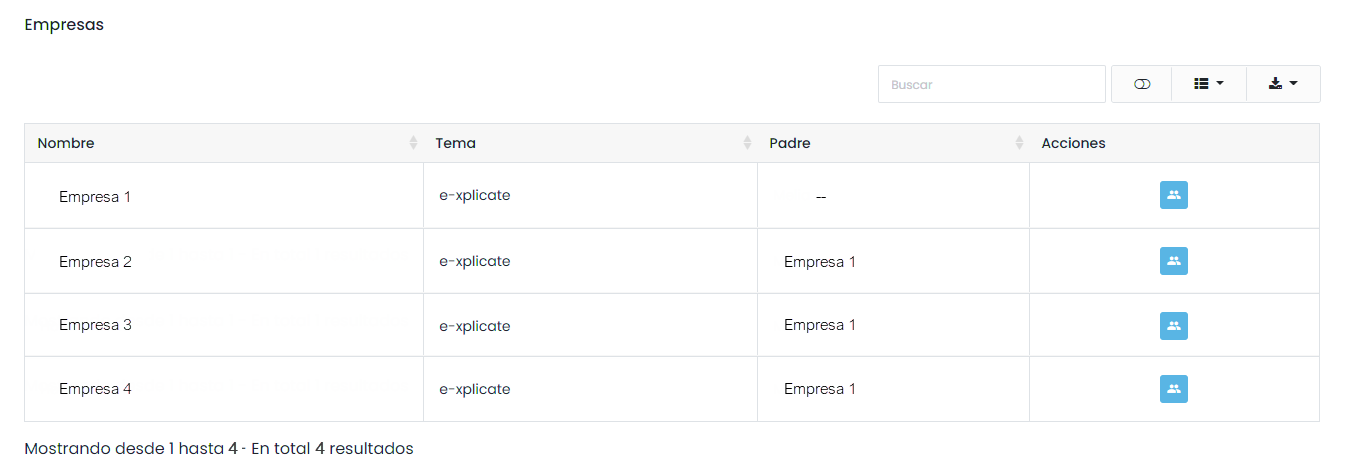
By clicking on the action button, we can see a list of users assigned to the company.
NOTICE
The business tree is created by the platform provider at the time of installation.
To assign users to a company, we will do it from the user’s profile, in the companies dropdown.
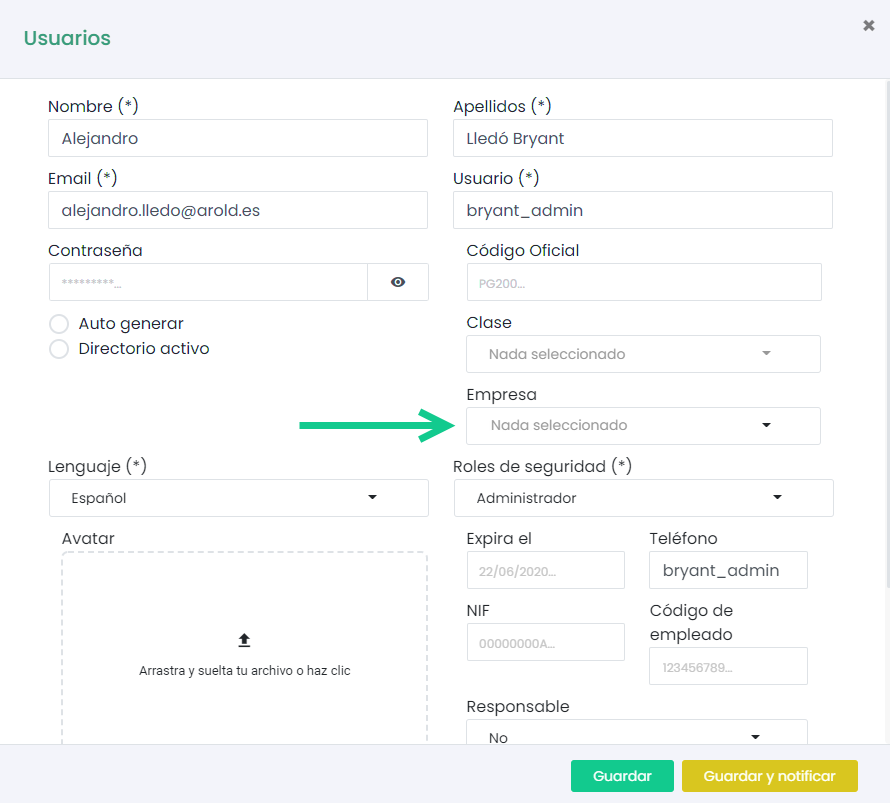
It is possible to select more than one company. If it is a user with permissions, the user will only have permissions on the selected platforms. For example, if it is a teacher, they will only be able to enroll users with whom they share a company.
Bulk Assignment
The platform offers the possibility to assign companies to users in bulk through a CSV file. We must access it through the sidebar menu “Companies > Bulk Assignment”.
To download the file, click on the indicated button.
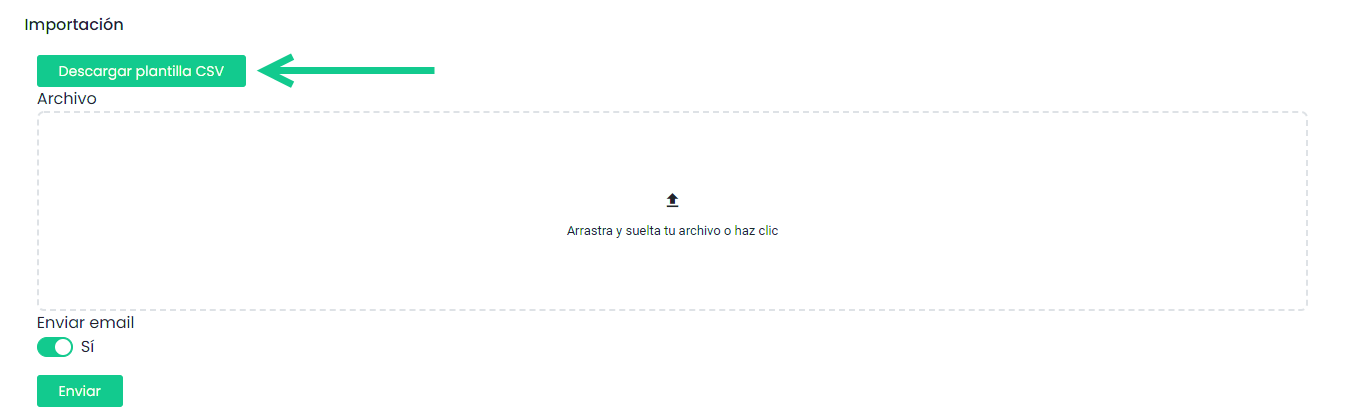
We must fill in both columns of the file, user and company.
Once we have the data, we must drag the file and click on the “Submit” button.
After validation, an error table and a valid records table will be displayed. If we agree, we click validate. Otherwise, we edit the CSV and repeat the process.