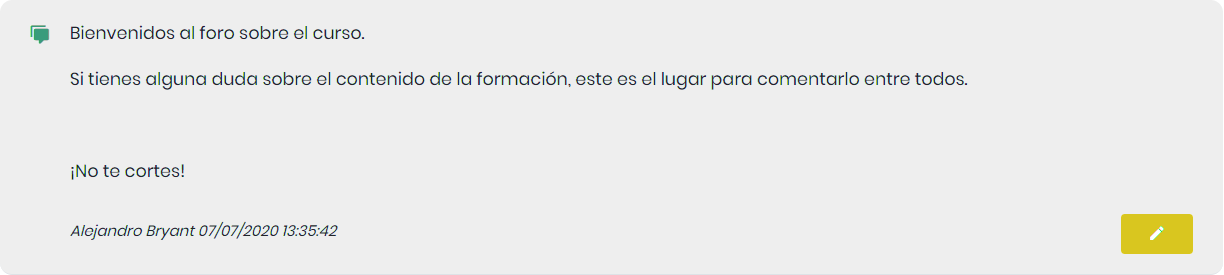
Communication

Our LMS allows configuring communication tools at the platform level, meaning they are not linked to a specific course.
To access them, use the sidebar menu. We have two options.
Chat
The chat is an instant messaging service that allows two or more users to communicate in real-time, enabling them to send and receive text messages.
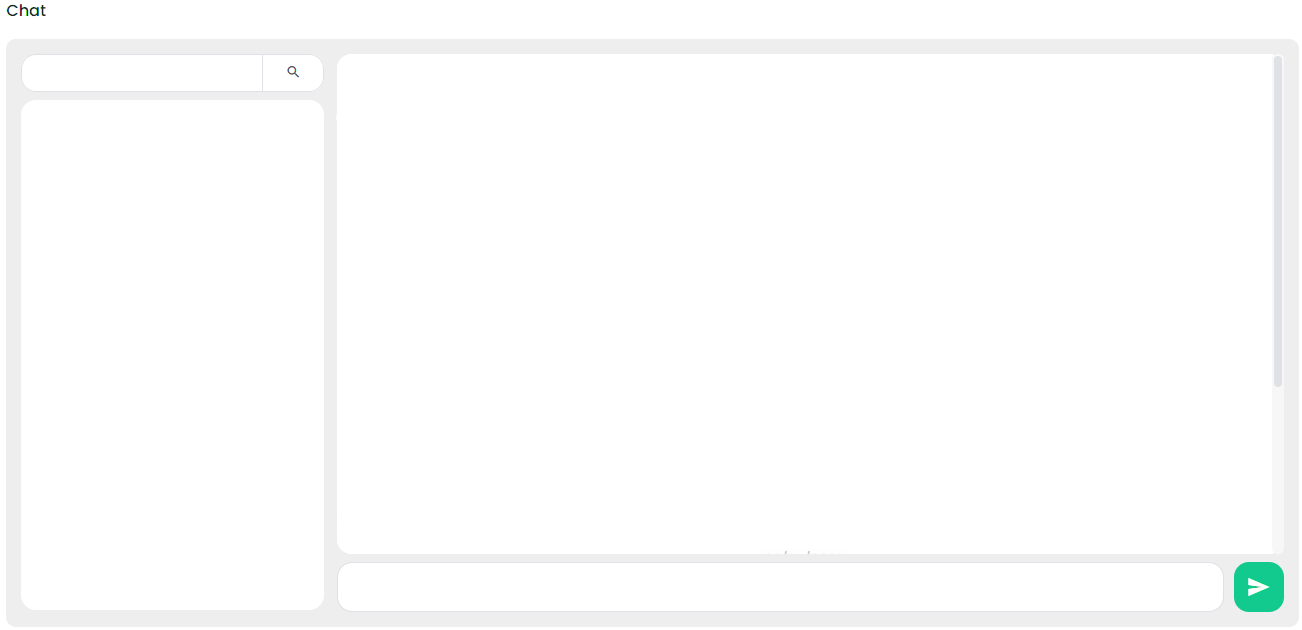
When entering the chat, we will see all the users logged in at that moment, and we can converse with all of them simultaneously.
Forums
Forums are a tool that allows establishing contact with other network users and generating communication on various topics. They also serve as an important source of information for making inquiries and seeking first-hand advice. Both students and teachers can participate in the forum and share knowledge and doubts.
To create a new forum, click the “+ Create Forum” button. The following screen will appear.
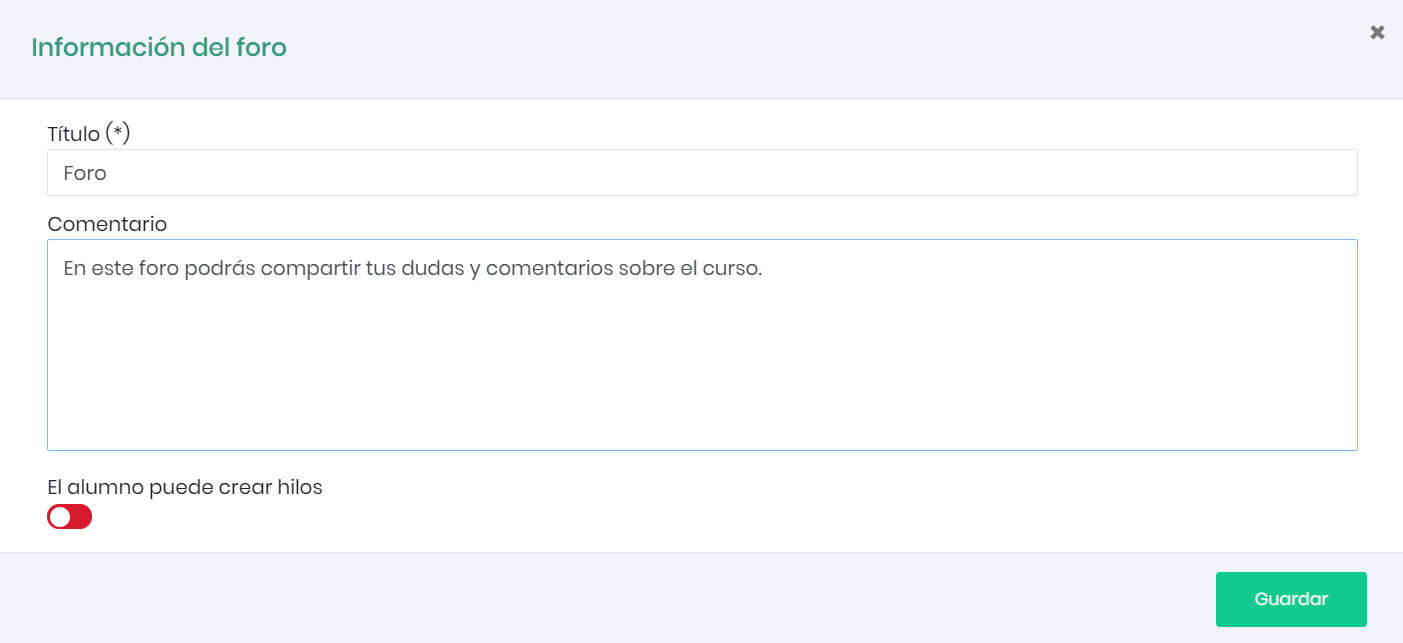
The first thing we need to do is give the forum a title and then provide a brief description of the forum’s functionality in this course. We can also choose whether we want student users to be able to create threads in the forum or only respond to threads started by the teacher. More than one forum can be created if desired.
The forum consists of different topics. To create topics, we enter the forum by clicking on the forum’s name.

To create a topic, click the “+ Create Topic” button. Just like when creating the forum, we will give the title and the message with which we want to start the forum topic.
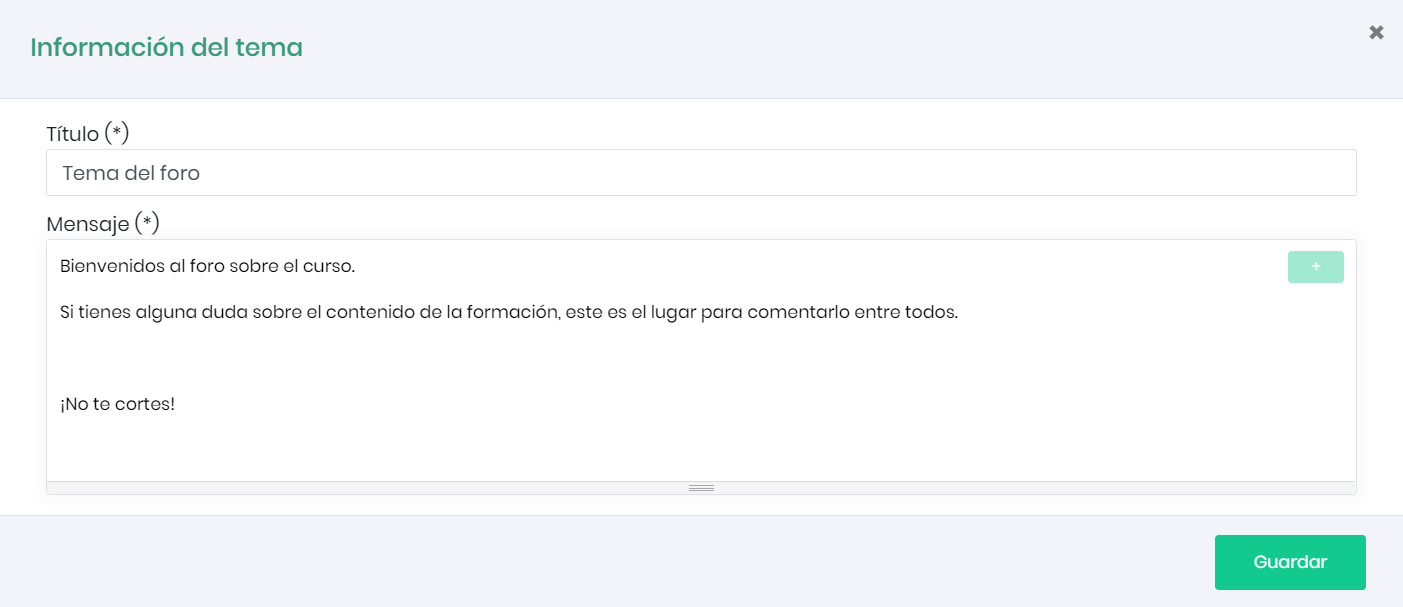
Once we click Save, we will see a preview of the message.