User Report
Once the user is located in the table, to view the detailed report, click on the reports icon.

The following screen will appear.
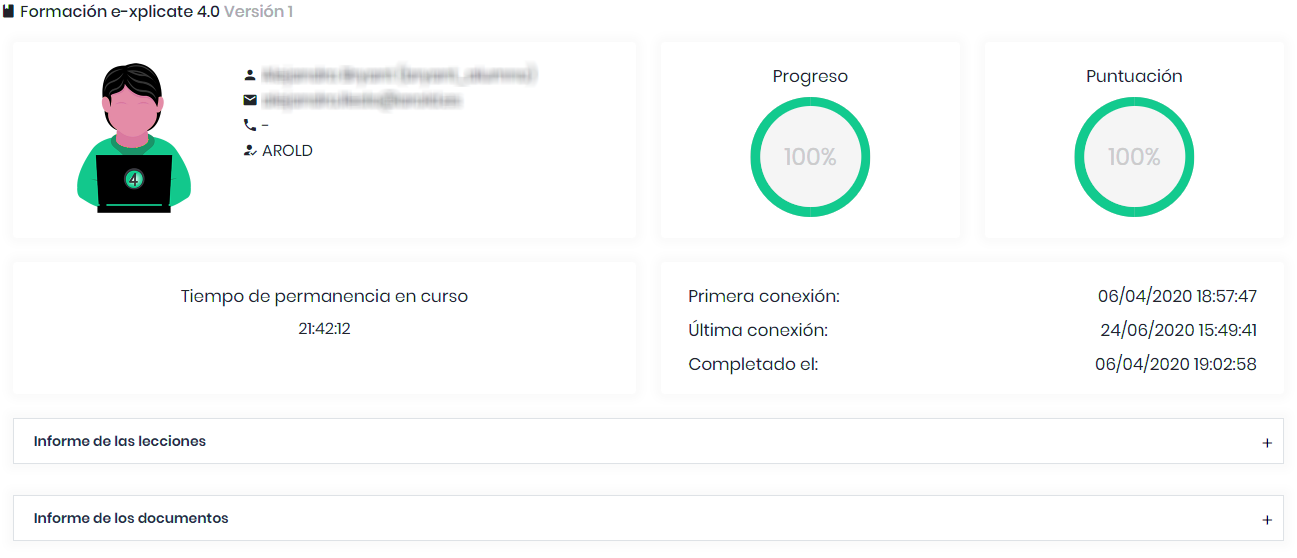
Here, in addition to the user data, we can see the connection time in the course, as well as the first and last connections made. If the course is completed, the date of status change to completed is also shown. We can observe two dropdown fields where we can see the lesson detail and document detail.
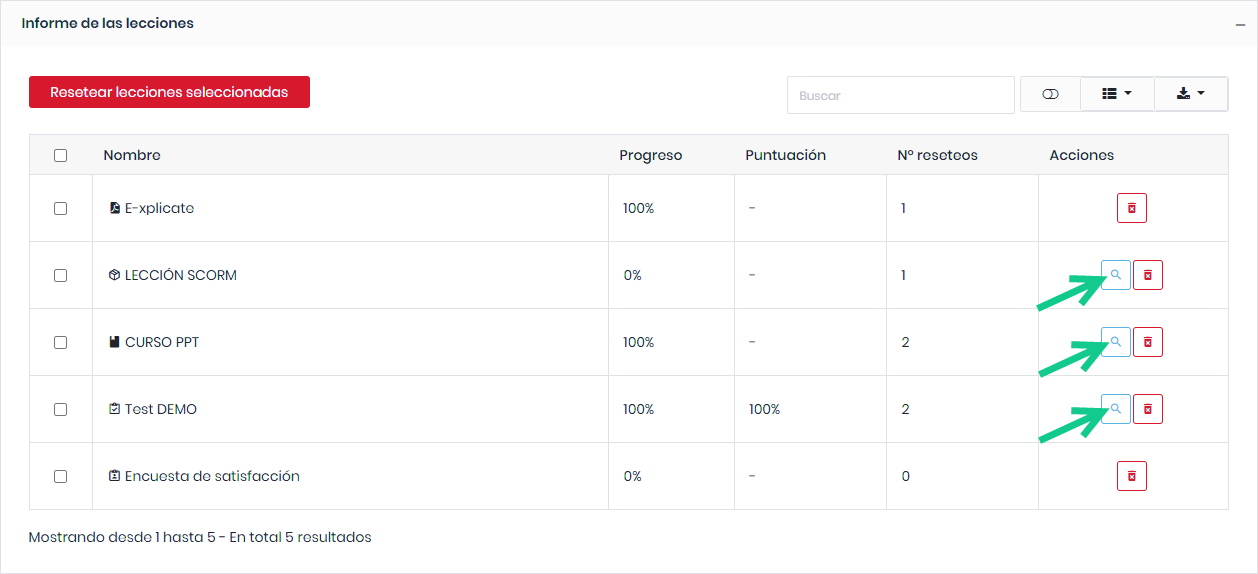
The platform allows inspecting the user’s progress in the course in detail. The progress of each lesson component can be individually reviewed.
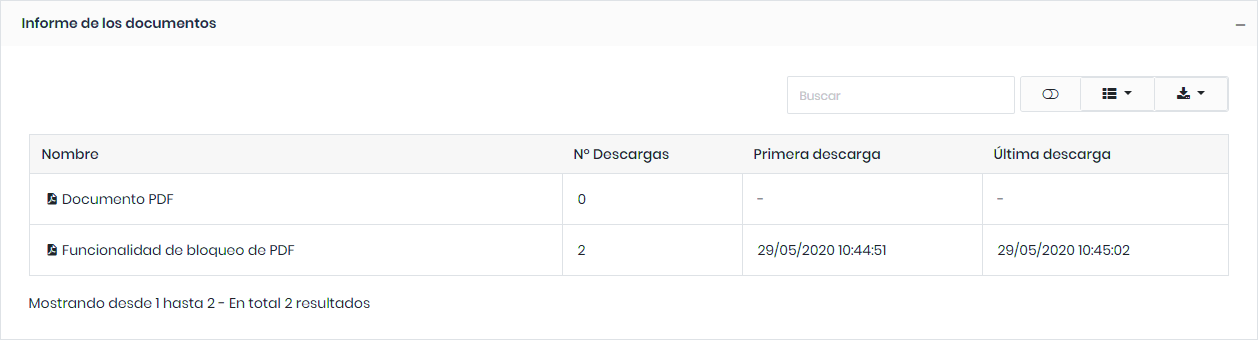
The platform also keeps a record of all course document downloads. We can view the detailed document report by clicking on the dropdown.